What needed solving
Functional inspection needs consistent part positioning and closing conditions. Applying these conditions by hand makes it harder to compare results from one part to the next.
How Qualitas solved it
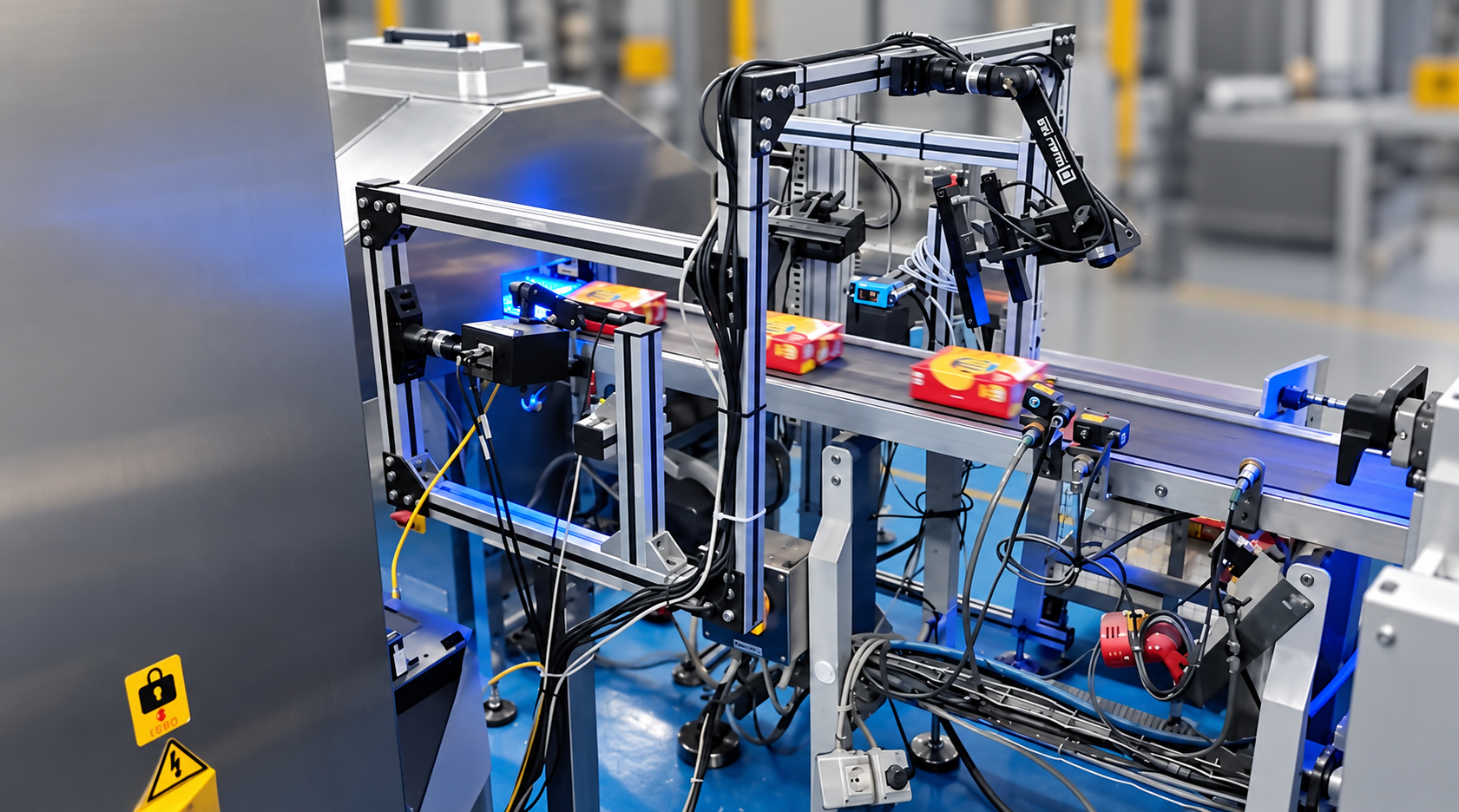
A rotating fixture presents each tweezer for imaging under controlled closing conditions. Force feedback, cameras and lighting work together to support repeatable functional checks. EagleEye evaluates the images against the selected product requirements and sends the result to the sorting mechanism.
The part being inspected
Functional checks under controlled conditions
The inspection evaluates the closing response and contact behaviour of the tweezer under controlled force. Images from multiple orientations provide the information needed to assess its gripping function against the selected product requirements.
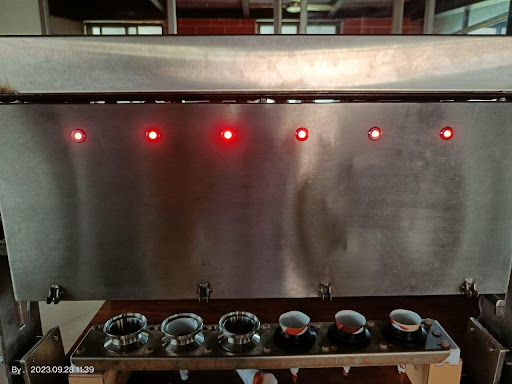
The operator loads the part and selects its recipe. A rotating fixture controls presentation, while a pressing mechanism and load-cell feedback control the closing conditions. Cameras and controlled lighting capture the inspection views for image analysis.
From functional assessment to sorting
- Select the product recipe and load the part.
- Present the part for imaging under controlled closing conditions.
- Evaluate the functional checks against the selected acceptance requirements.
- Display the pass/fail result and route accepted and rejected parts to separate bins.
The operator interface shows the part result and accepted/rejected counts. Manual mode uses an operator trigger; automatic mode starts from the component-presence sensor.
Consistent checks and reviewable records
| Delivered capability | Practical value |
|---|---|
| Controlled presentation and force feedback | Repeatable conditions for functional assessment. |
| Five inspection images per part | Multiple views under the required inspection conditions. |
| Three product recipes | Settings selected for the product being manufactured. |
| Automatic sorting | Accepted and rejected parts routed to separate bins. |
| Saved images and filtered reports | Inspection history available for quality review. |
Reports can be filtered by date, product model and shift, then exported for review. This lets the quality team compare inspection decisions over a production period.
Discuss functional inspection for your tools
Share the part type, product variants, functional requirements and required cycle time. We can assess the handling, force control, imaging and validation approach needed for a repeatable inspection.
Share your part type, product variants, functional requirements and required cycle time.
Request project details